
When you are chosen as a reviewer
Unit staff chosen to review an application score the visitation form and send a report from My work.
What you will learn
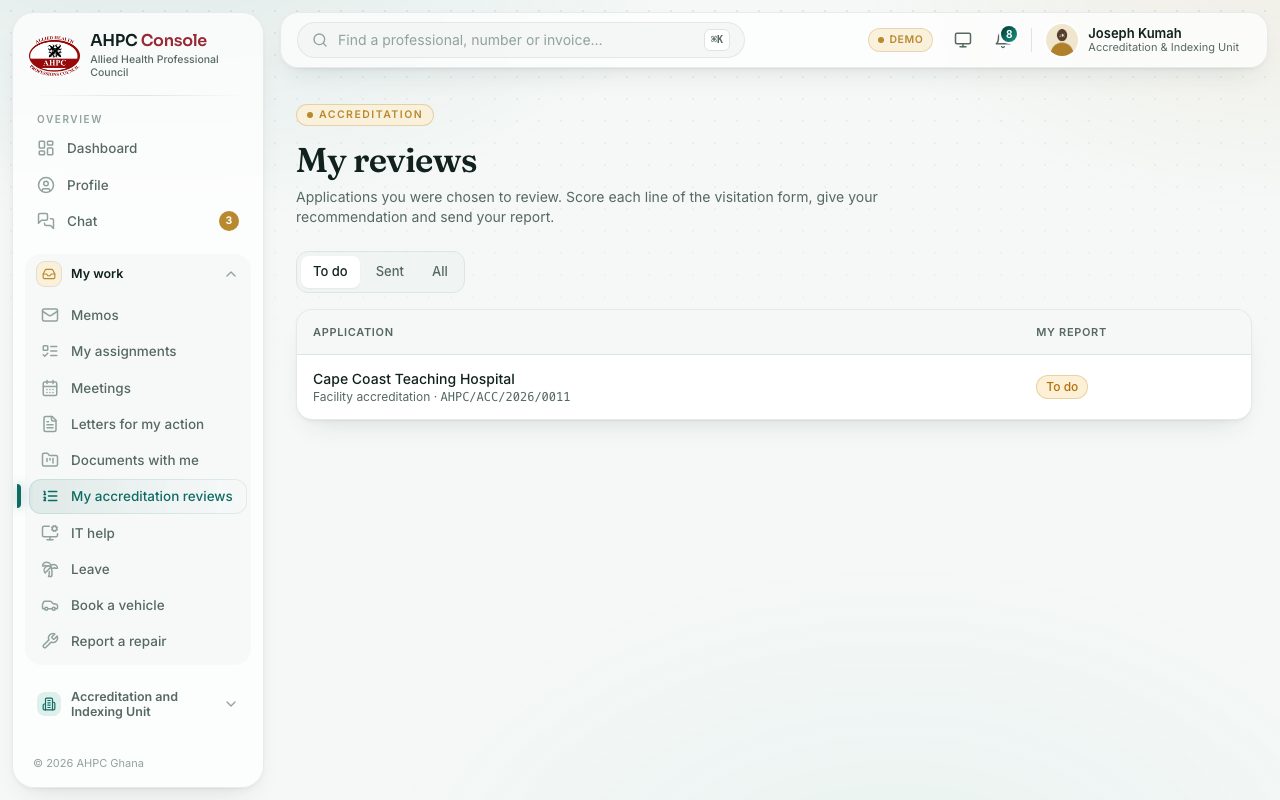
- Open My accreditation reviews
- Score the visitation form and send your report
- Use visit mode on your phone
demo.ahpcghana.com/staff/my-reviews
Step by step
- Open My work → My accreditation reviews. The To do tab lists the applications you were chosen for.
- Press one. Score every line of the Visitation form and press Save as you go.
- Before the visit, press Visit mode on your phone and tap Get ready for the visit.
- Fill in Your report: Date of the visit, Strengths, Weaknesses, Report (or Upload report file) and Your recommendation.
- Press Send report and confirm.
What you will see
- Under the buttons the page tells you what is still needed, for example To send: give your recommendation.
Check yourself
Pick an answer for each question, then press Check my answers. Nothing is saved or sent.