
Start an accreditation application
Start your institution’s programme accreditation (or your facility’s accreditation), new or renewal, and choose your zonal office.
What you will learn
- Open your accreditation page
- Start a new or renewal application
- Choose your zonal office and fill in the contact
A programme nominee prepares a training institution’s programme accreditation. A facility representative prepares a hospital’s, laboratory’s or clinic’s facility accreditation (for internships and practice). Both work the same way.
demo.ahpcghana.com/partner/accreditation
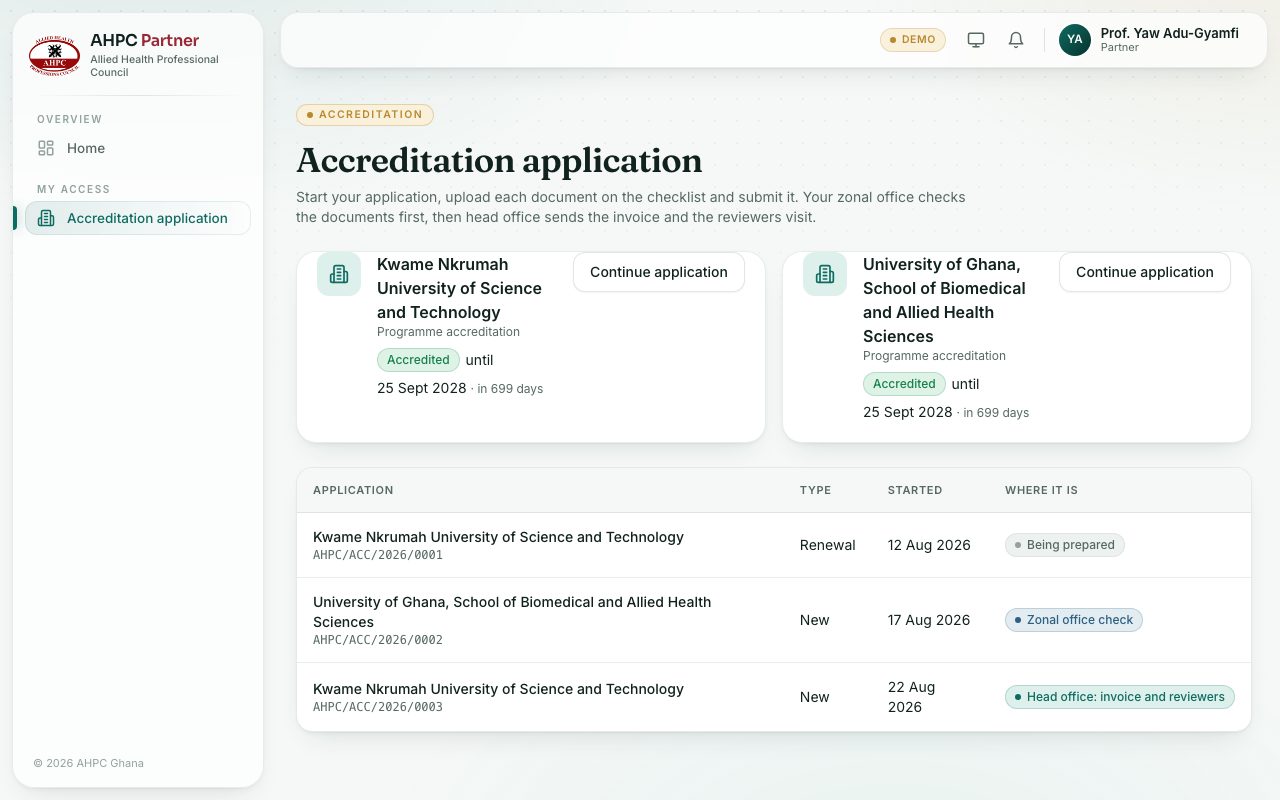
demo.ahpcghana.com/partner/accreditation
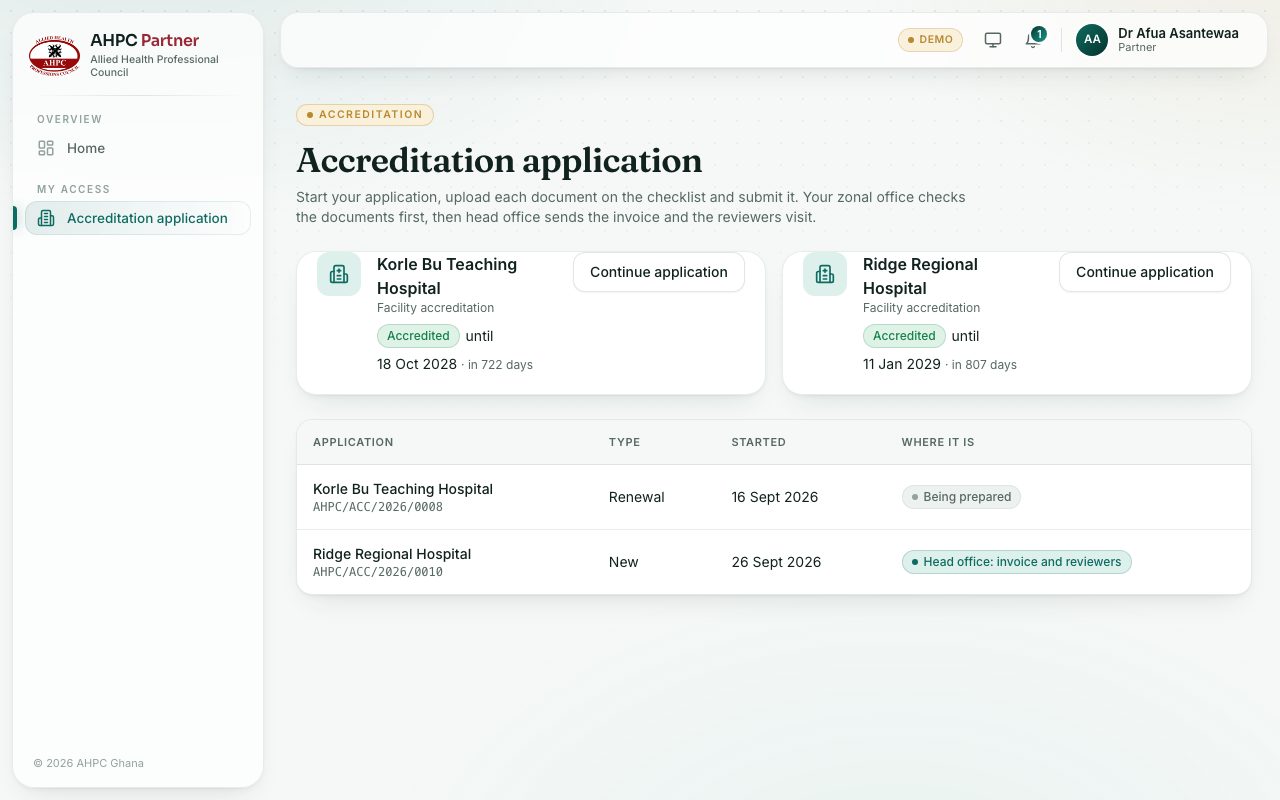
Step by step
- Open My access → Accreditation application.
- At the top is a box for each institution (or facility) you act for, with whether it is accredited and until when.
- Press Start application (or Apply to renew if it is already accredited). If an application is already open, press Continue application instead.
- Choose the Type: New accreditation or Renewal.
- Choose Your zonal office. It checks your documents first.
- Type the Programmes to accredit (for example Diploma in Medical Laboratory Science) or the Services offered for a facility.
- Fill in the Contact person, Contact email and Contact phone. Leave the contact person empty to use your own name.
- Press Start. Your application opens so you can upload the documents.
What you will see
- Your applications are listed below the boxes, with Where it is, for example Being prepared or Zonal office check.
- You can have only one open application at a time for each institution or facility.
Check yourself
Pick an answer for each question, then press Check my answers. Nothing is saved or sent.