
Apply for permanent registration or an upgrade
After passing the licensure exam, apply for permanent registration. Later, apply for an upgrade when you gain a higher qualification or a new specialty.
What you will learn
- Know when you can apply for permanent registration
- Apply and download your certificate
- Apply for a registration upgrade
demo.ahpcghana.com/portal/applications
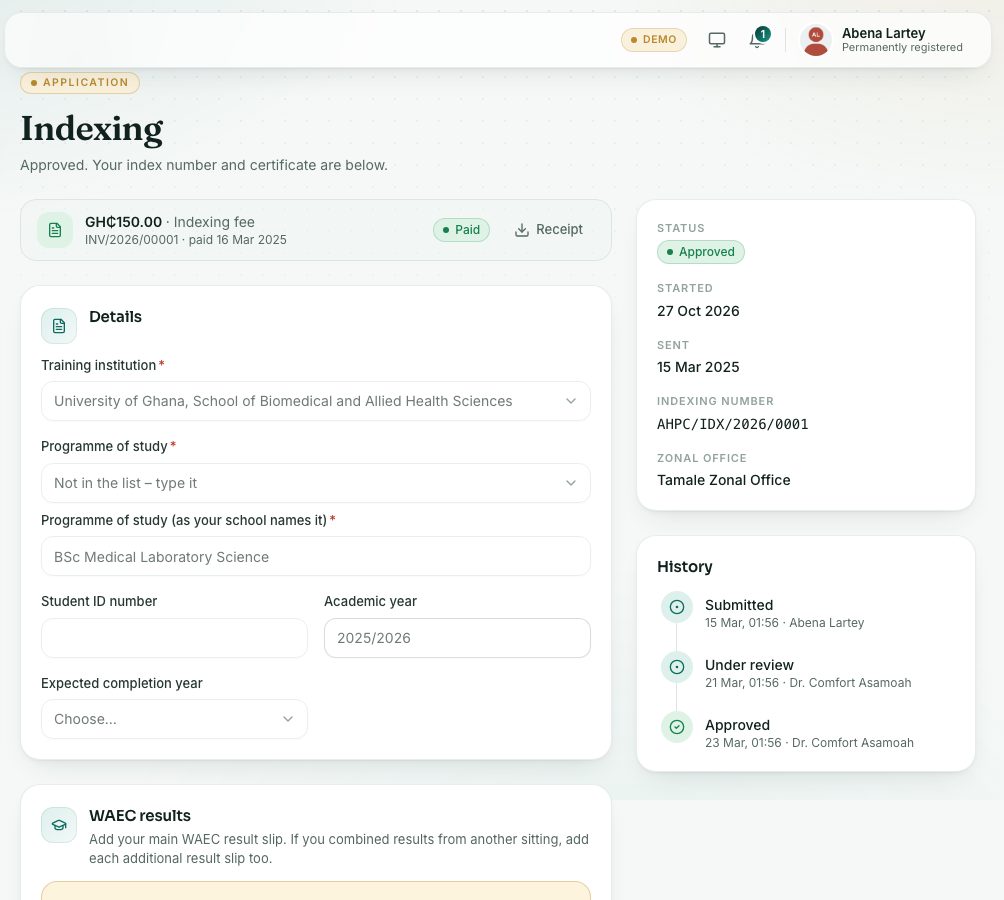
Step by step
- Press Applications under Registration.
- Press Permanent registration.
- Greyed out with Pass the licensure exam first? You need a pass before you can apply.
- You need provisional registration first? Apply for provisional registration first.
- Press Save draft, attach your documents (for example your Internship completion letter) and press Send application.
- Pay the permanent registration fee.
- When approved, press Download certificate to get your Certificate of Permanent Registration.
- For an upgrade, press Registration upgrade and fill in:
- New qualification (required). It must be higher than your current one.
- New specialty, if it changes.
- Which of your qualifications proves it?: pick it from My profile → Qualifications (add it there first).
- Anything the Council should know.
- Save the draft, attach the proof, send it and pay the Registration upgrade fee.
What you will see
- After permanent approval your status becomes Permanently registered and you get a permanent registration number.
- If renewal is open in the year your permanent registration is approved, the Council issues your PIN for that year with it. The PIN renewal page then says you don’t need to renew for that year.
- Foreign-trained applicants the Interview Panel sent straight to permanent registration can apply without provisional registration.
Check yourself
Pick an answer for each question, then press Check my answers. Nothing is saved or sent.