
Run the unit’s reports
Open the Good standing and Professionals by region reports, filter them and download them.
What you will learn
- Open the unit’s reports page
- Filter and sort a report
- Download as Excel or PDF
demo.ahpcghana.com/staff/reports?only=good_standing,by_location&for=Compliance%20and%20Enforcement
Step by step
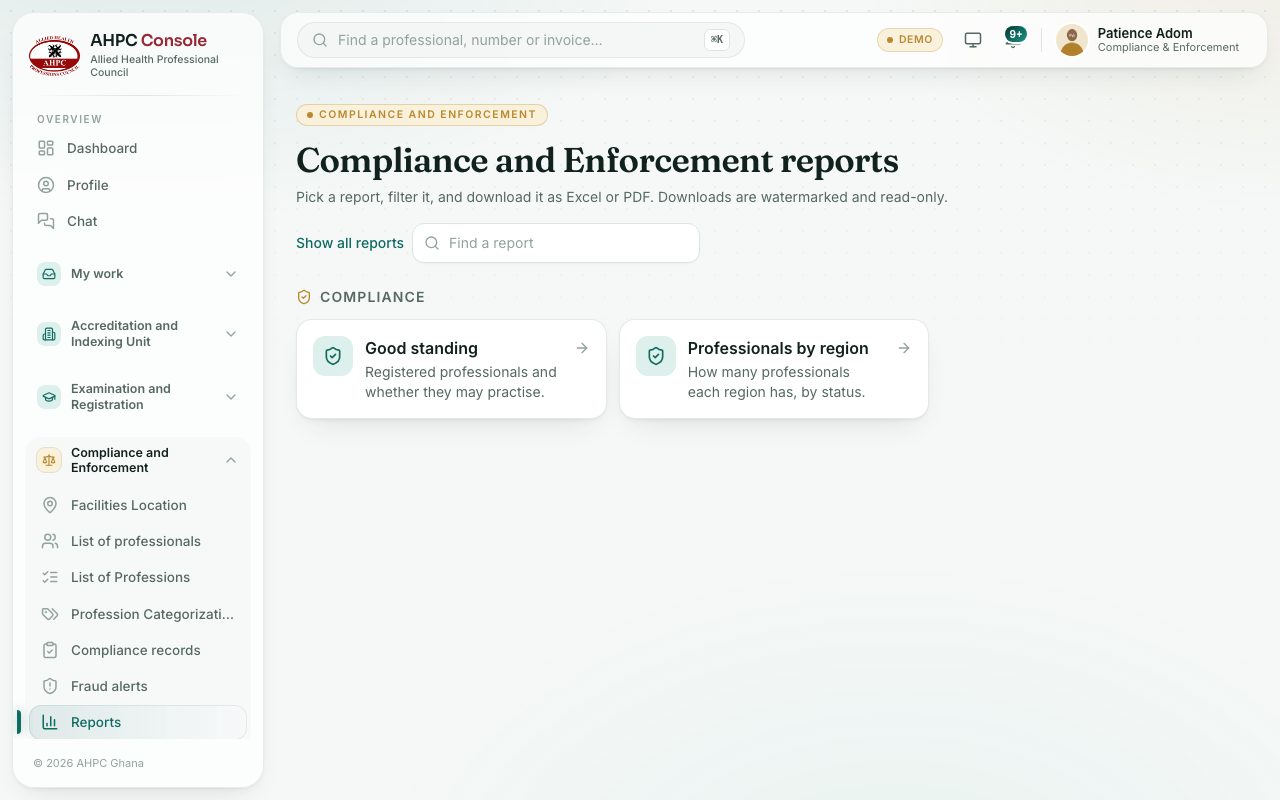
- Open Compliance and Enforcement → Reports. The page shows Compliance and Enforcement reports.
- Press Good standing or Professionals by region.
- Set the filters. The table updates straight away. Press Clear filters to start again.
- Press a column heading to sort.
- Press PDF or Excel.
What you will see
- Downloads include every matching row, not just the page on screen. The Excel file starts with the Council’s name and the report title.
- Every download carries the Council’s name, your name and the date and time across the page. PDF files are watermarked on every page; Excel files open read-only, so you can read and filter them but not change them.
Check yourself
Pick an answer for each question, then press Check my answers. Nothing is saved or sent.